Use N8N Within GFunnel: Modernizing Legacy IT Systems with AI Agents & Seamless Automation
Table of Contents
- Table of contents
- Introduction: Why combine n8n and GFunnel?
- Chapter 1 — The entrepreneurial and engineering challenge
- Chapter 2 — The architecture: Agents, MCP, and orchestration
- Chapter 3 — Workflows that work: Decompose, Transform, Synthesize
- Chapter 4 — How GFunnel’s tools fit into modernization workflows
- Chapter 5 — Practical examples and templates
- Embedding resources and getting started
- Why memory matters: sessions vs persistence
- Operational considerations and best practices
- Real-world benefits: measurable outcomes
- FAQs
- Conclusion and next steps
Table of contents
- Introduction: Why combine n8n and GFunnel?
- Chapter 1 – The entrepreneurial and engineering challenge
- Chapter 2 – The architecture: Agents, MCP, and orchestration
- Chapter 3 – Workflows that work: Decompose, Transform, Synthesize
- Chapter 4 – How GFunnel’s tools fit into modernization workflows
- Chapter 5 – Practical examples and templates
- Embedding resources and getting started
- FAQs
- Conclusion and next steps
Introduction: Why combine n8n and GFunnel?
Use N8N Within GFunnel because this combination solves a set of problems most entrepreneurs and engineering teams face when trying to modernize, scale, and monetize digital products:
- Legacy systems hold critical business logic but are brittle, expensive to maintain, and hard to modernize.
- Teams build many small automations (Python scripts, microservices) that create tens or hundreds of deployable artifacts that are costly to manage.
- AI can accelerate many parts of engineering work—analysis, code generation, refactoring, QA—but requires orchestration, memory, and integration to be reliable in production.
- Entrepreneurs need a single place to manage leads, pages, contracts, and automated flows—GFunnel offers an all-in-one business layer built for that.
Use N8N Within GFunnel to unify these concerns: run agent-driven workflows with n8n as the orchestration engine and leverage GFunnel to handle the customer-facing parts (CRM, landing pages, contract workflows, analytics, and monetization). Instead of creating dozens of one-off deployments, you maintain fewer orchestrated workflows that plug into GFunnel’s productized tools.
Chapter 1 — The entrepreneurial and engineering challenge
Every company I work with faces the same tension: business-critical legacy applications (COBOL, older stored procedures, monolithic transactional systems) versus the need to move faster, build new customer-facing features, and reduce operational risk. Developers are busy; product teams need velocity; finance wants to reduce licensing waste. The number of one-off scripts and microservices explodes—each tied to specific automation goals—and becomes an operational burden.
Use N8N Within GFunnel as a strategy to solve this: instead of shipping N small microservices, you orchestrate flows in n8n and surface results in GFunnel. Entrepreneurs benefit because the business tools they need—landing pages, forms, CRM capabilities, contract signing—are already in GFunnel, while engineers benefit from a reproducible, auditable automation layer.
Common pain points I see
- Too many deployable artifacts. Teams build Dockerized functions for every small automation and then struggle with maintenance.
- Manual data quality processes—sales teams don’t fill out required CRM fields and managers spend hours chasing missing data.
- Onboarding developers to a codebase is slow because knowledge resides in stored procedures and old code artifacts.
- Running Java upgrades, migrations, and refactors eats developer time and delays feature work.
Use N8N Within GFunnel and you get a clearer separation: n8n handles automation and agents; GFunnel handles the customer and business layer. This reduces artifact bloat and centralizes business interaction points (forms, pages, CRM entries) so you can track events and decisions easily.
Chapter 2 — The architecture: Agents, MCP, and orchestration
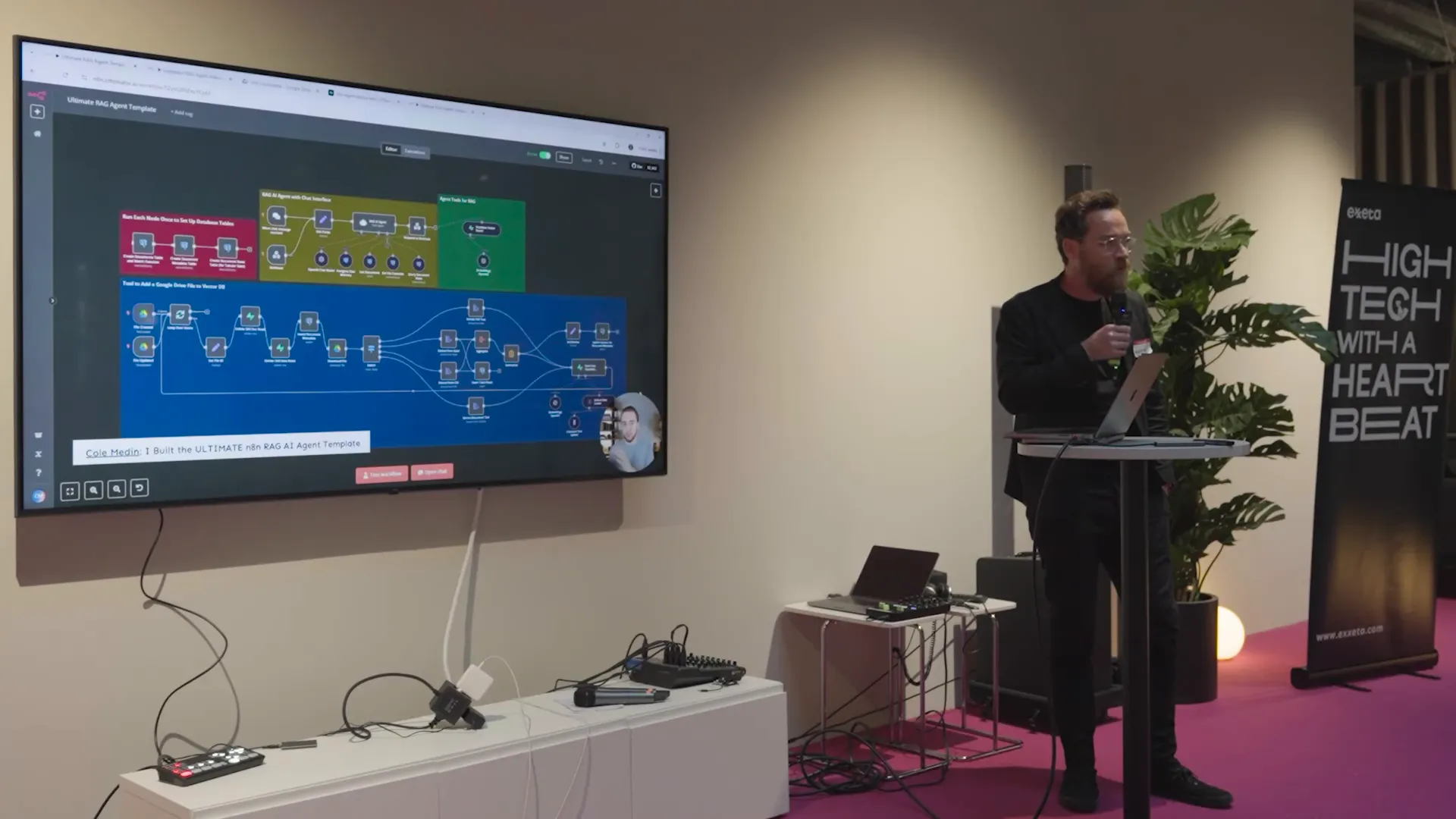
Let’s talk architecture. At Exxeta we use a three-step approach for modernization: decompose, transform, and synthesize. These steps map neatly onto a workflow architecture that uses agents and orchestration:
- Decompose: Parse source code, stored procedures, and documentation to extract entities, business rules, and dependencies. Use knowledge graphs to represent the system.
- Transform: Use LLMs and code generation tools to convert legacy logic into procedural Java (or another target), then automatically refactor towards modern patterns (controllers, services, repositories).
- Synthesize: Recombine transformed components into an integrated application, then perform QA and integration tests.
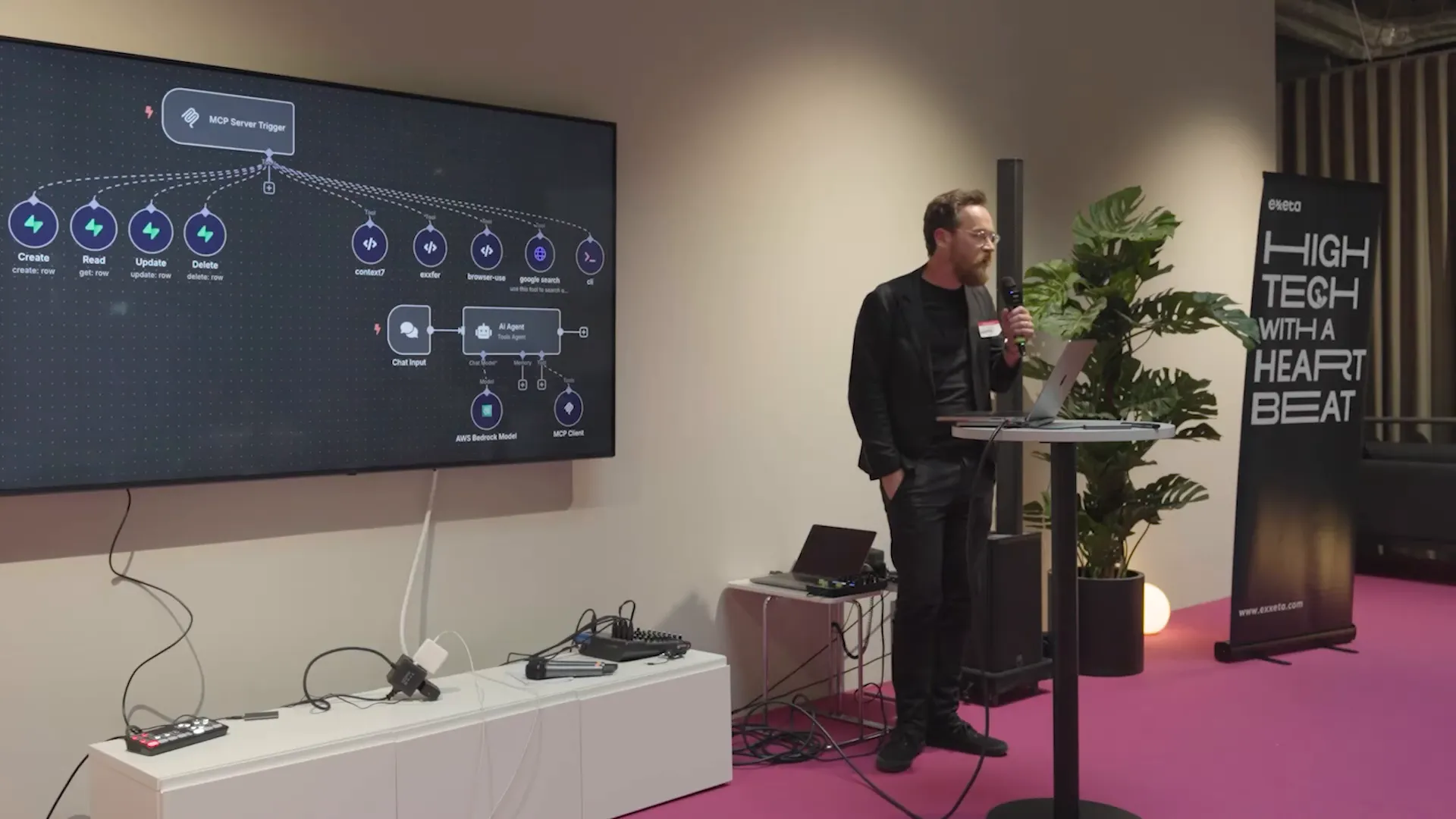
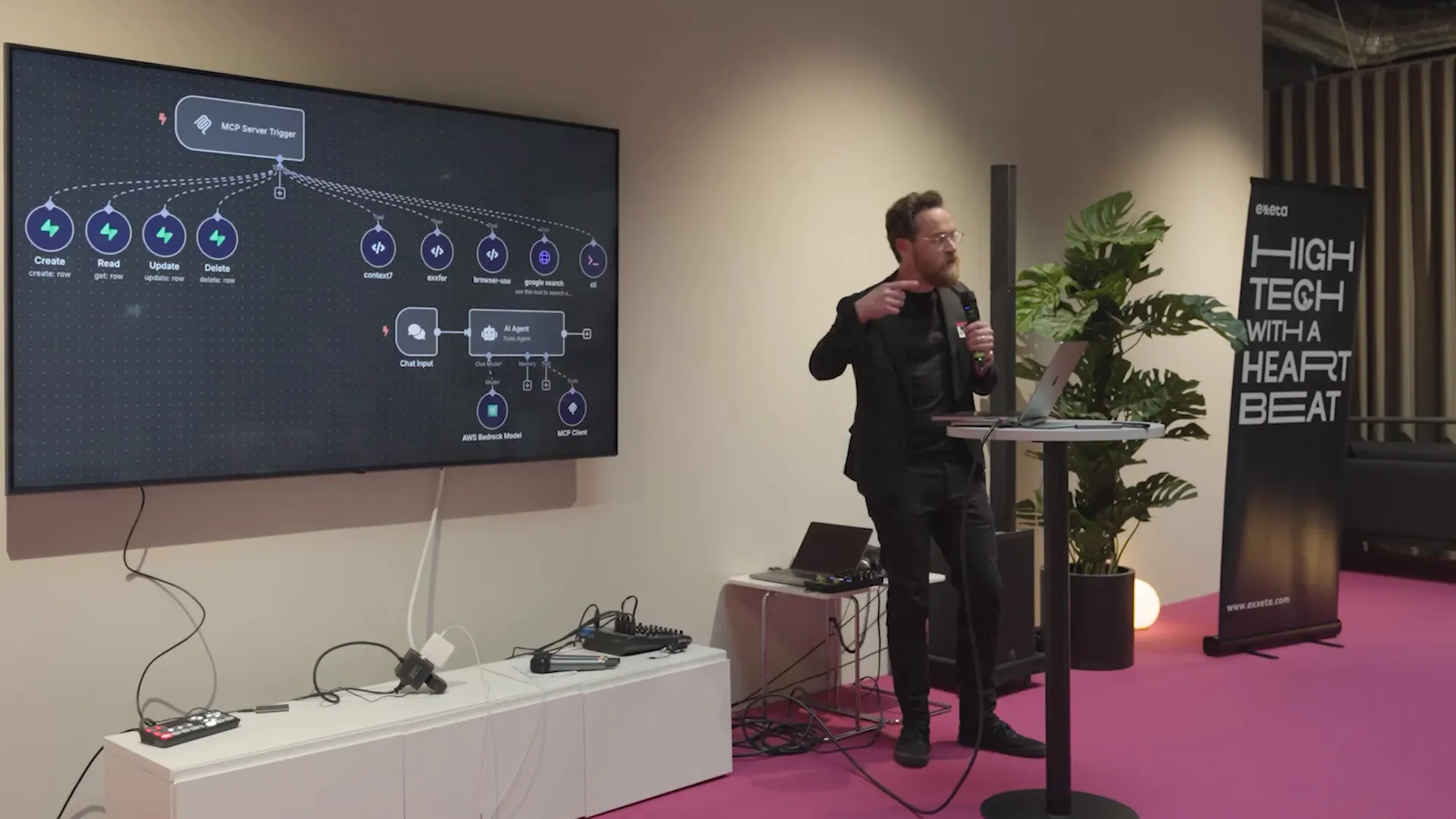
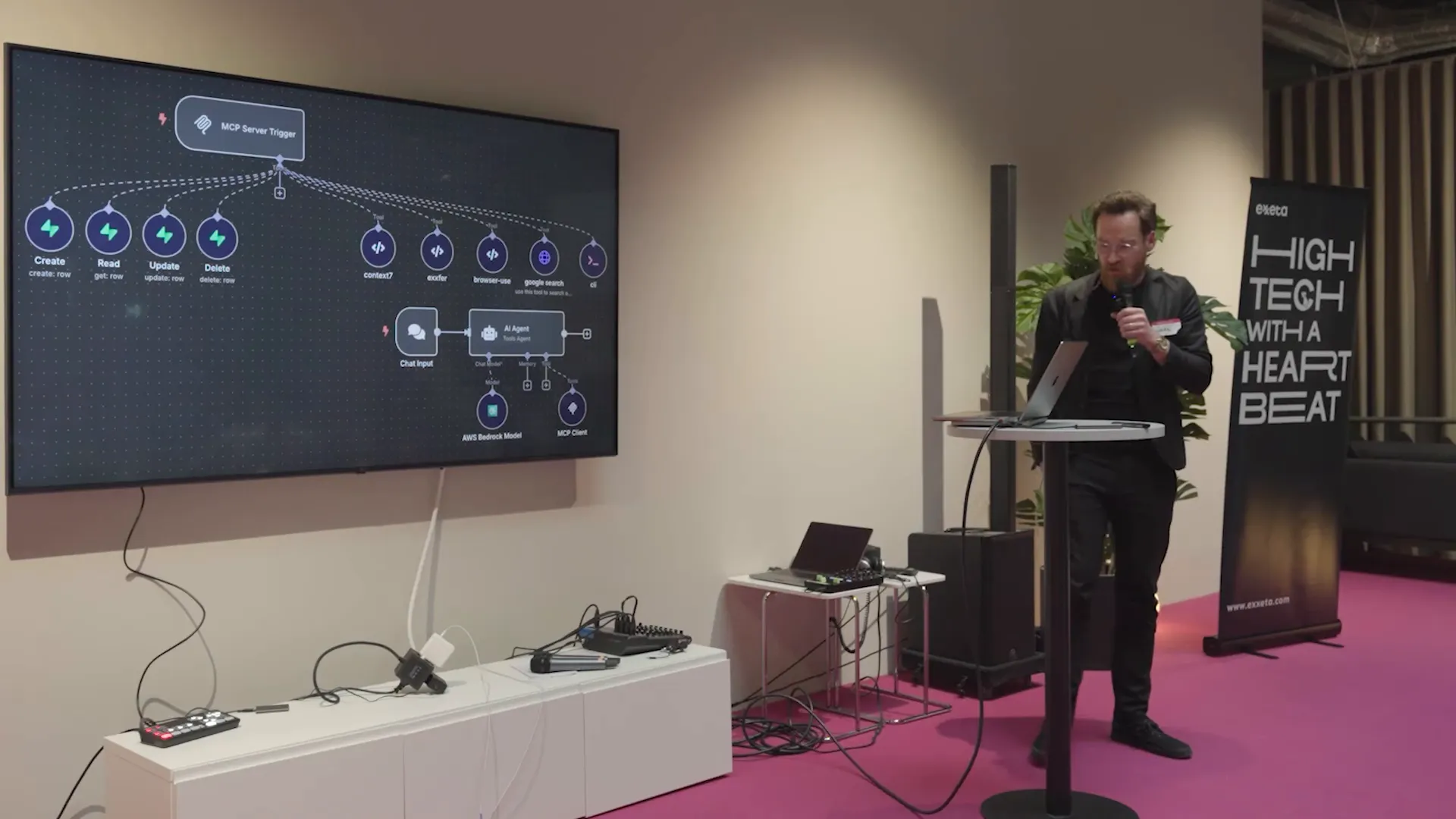
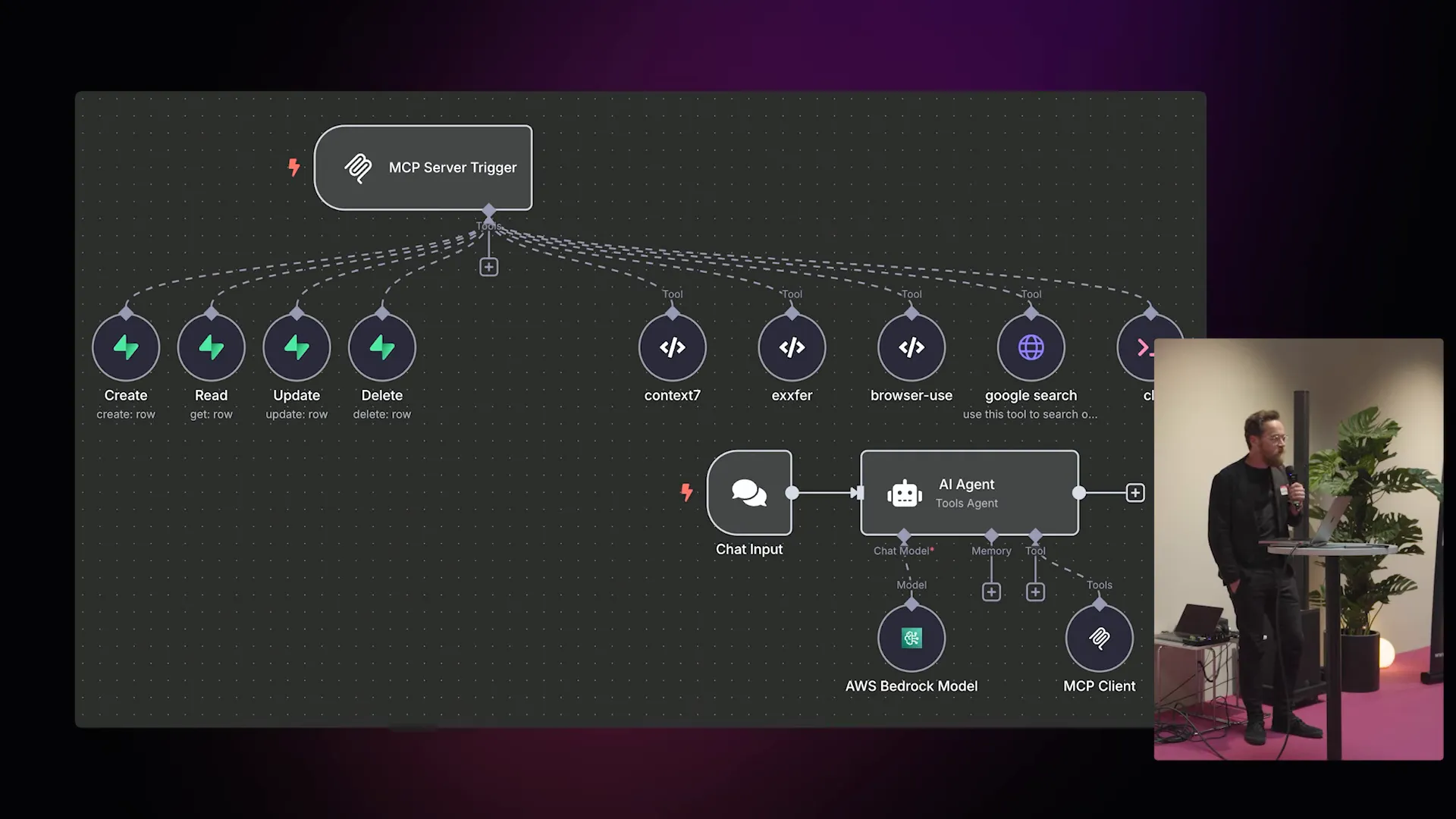
Use N8N Within GFunnel by placing n8n as the orchestrator for these stages. n8n triggers analysis jobs, invokes LLMs (locally-hosted or in the cloud), stores intermediate outputs in a vector store (like Supabase or another DB), and writes final artifacts to a code repository or artifact storage. GFunnel receives business events (e.g., a new support ticket, a developer request, a contract submission) and can trigger corresponding n8n flows via webhooks or an API hub.
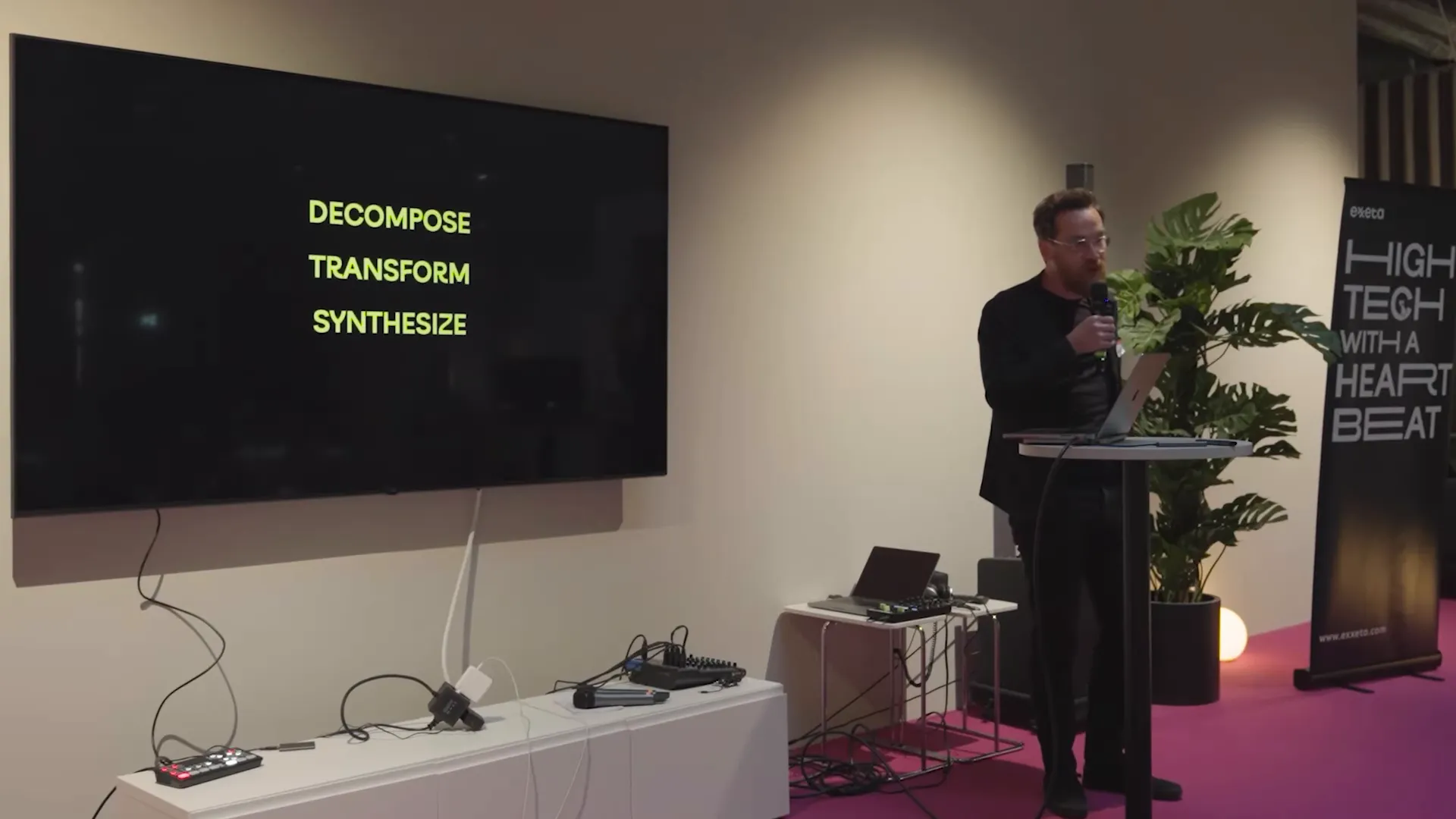
Watch how this architecture cleanly separates machine-driven automation (n8n) and business-facing tooling (GFunnel). The embedded flow is a practical pattern you can reproduce: use n8n to power behind-the-scenes engineering automation while GFunnel presents the final product to end users and stores business artifacts like contracts and CRM leads.
Key components in the stack
- n8n: Low-code, open orchestration that can call local agents, LLMs, and external APIs.
- Agent hosts / MCP server: Run agent instances (e.g., code agents) locally or in the cloud with secure triggers.
- Vector store and knowledge graph (Supabase, Postgres + embeddings): Persist context and long-term memory for agents.
- GFunnel: Lead Connector (CRM), Flows AI (business automation), website builder, contract management, analytics, and affiliate/monetization features.
Use N8N Within GFunnel by connecting n8n outputs to GFunnel’s APIs. For example, when a stored-procedure is translated into Java, store the summary and link in GFunnel's CRM under the corresponding project contact. Use GFunnel flows to notify stakeholders, open tasks, or update sales opportunities.
Chapter 3 — Workflows that work: Decompose, Transform, Synthesize
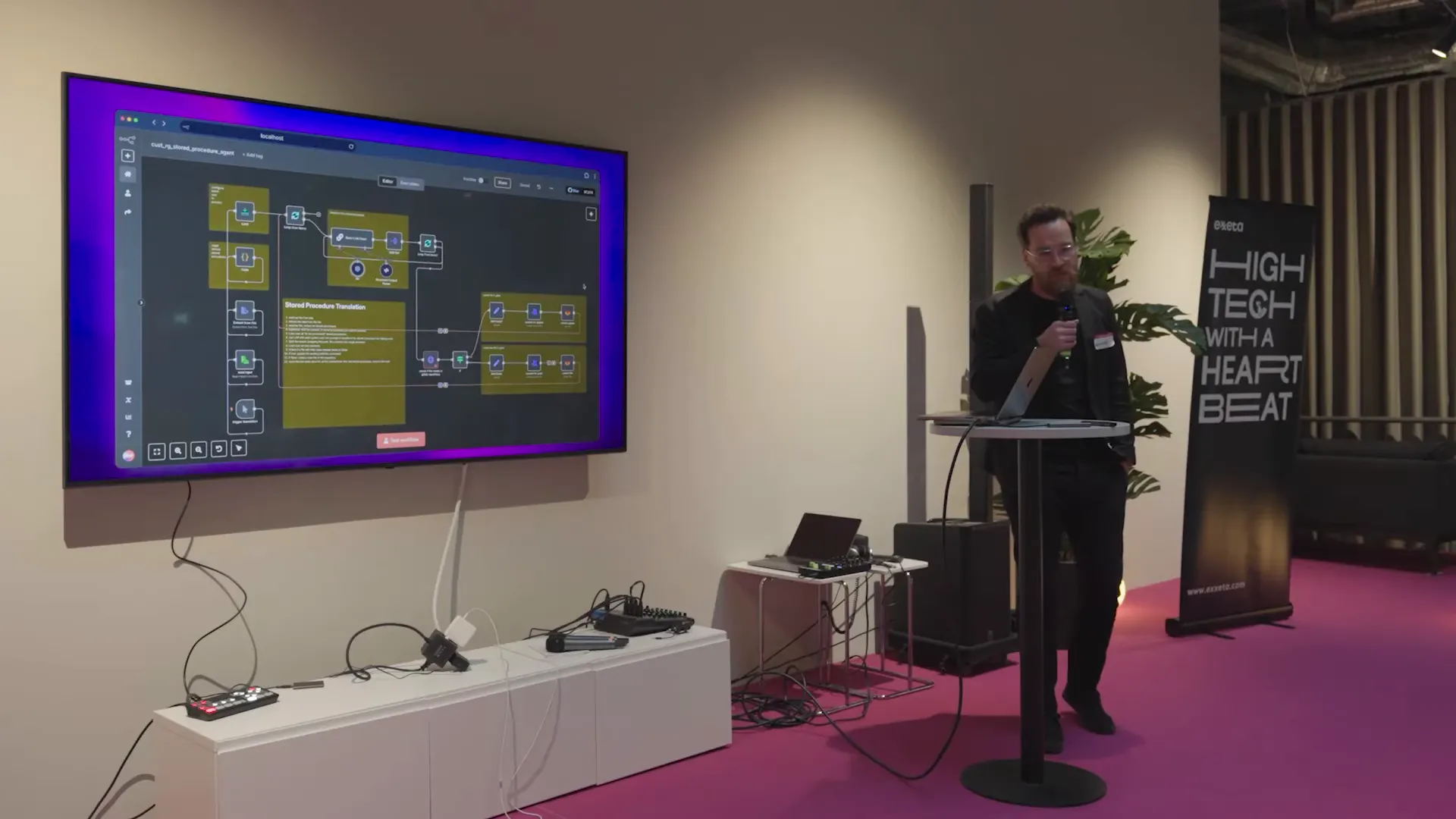
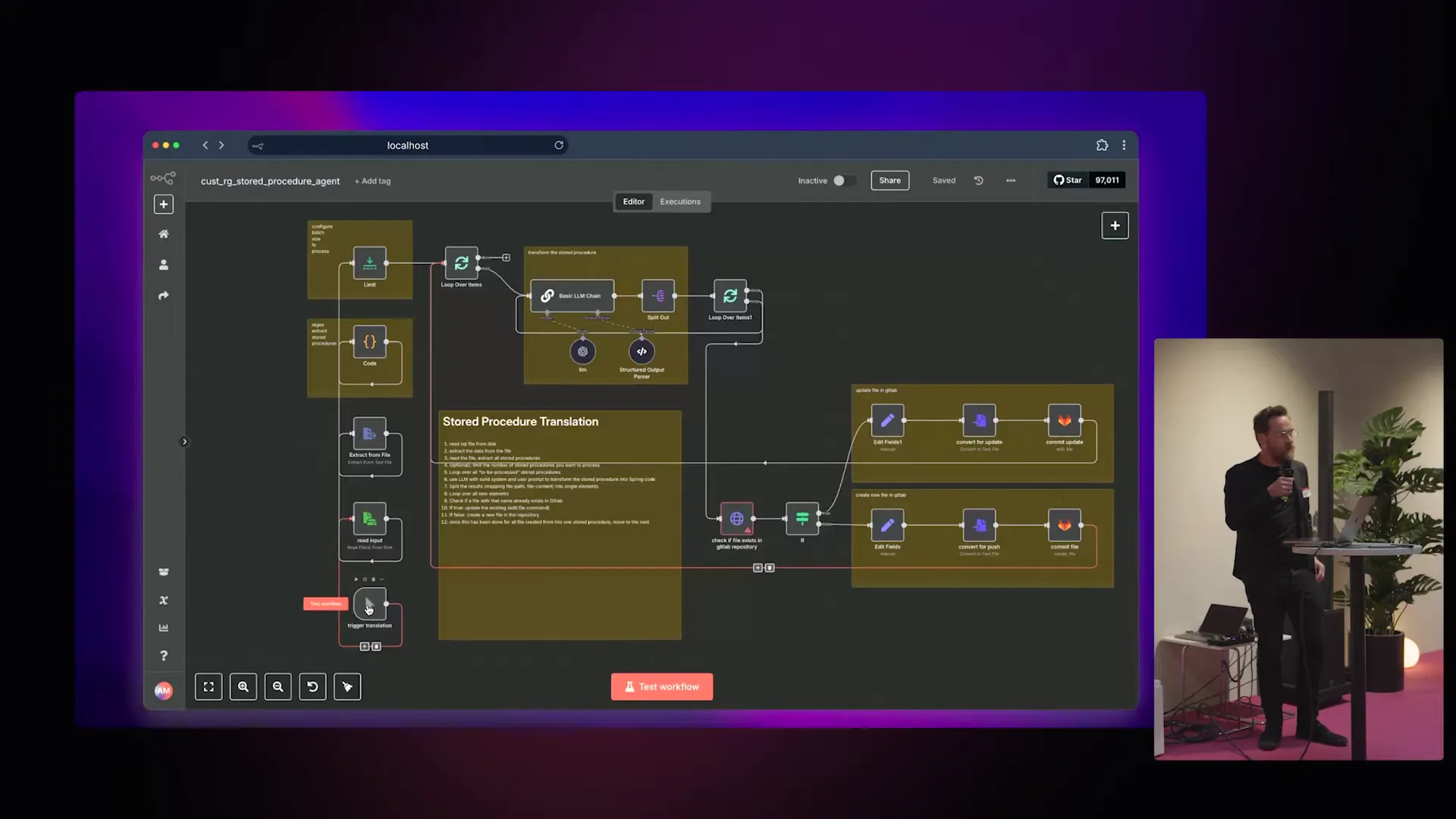
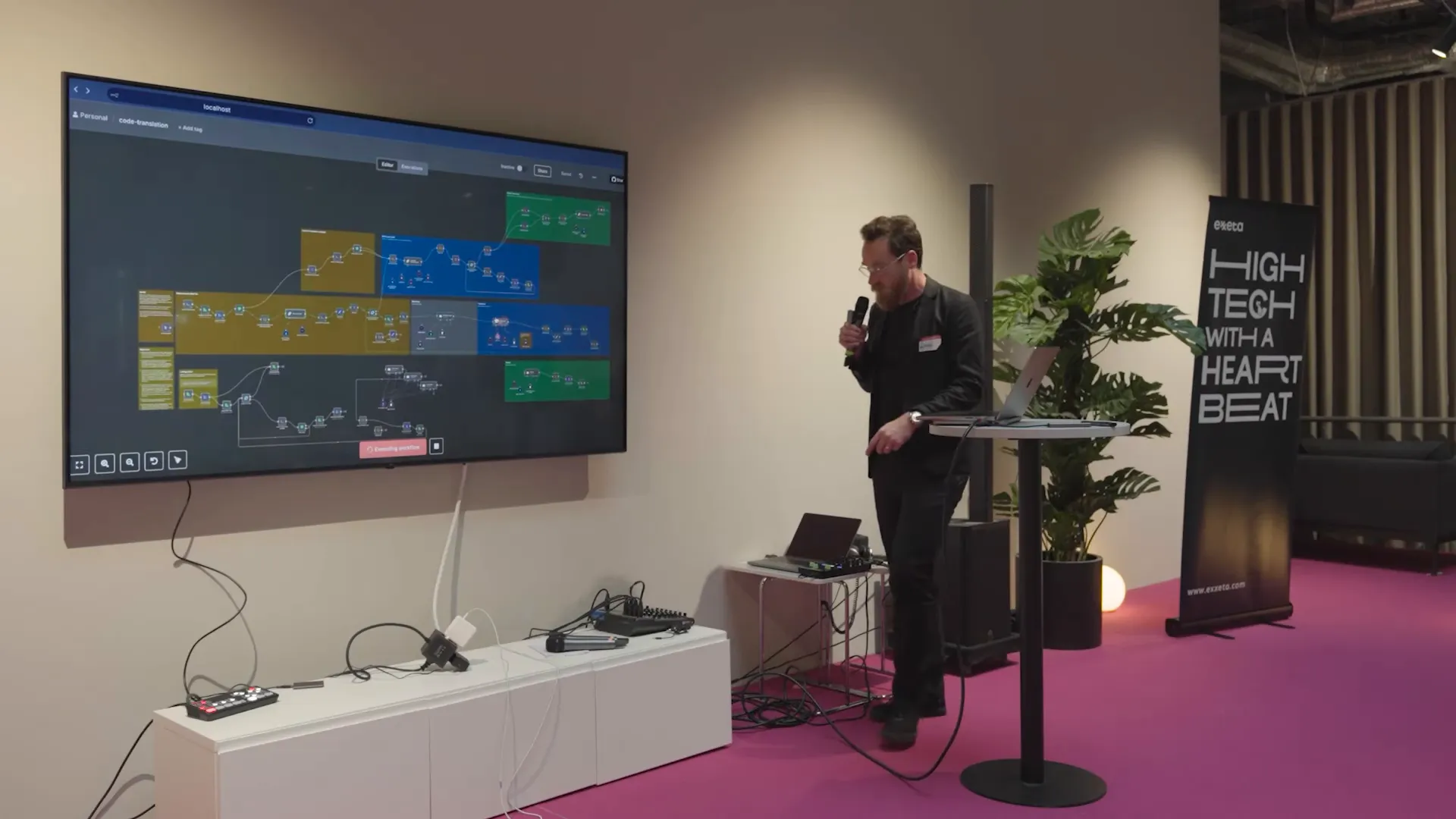
Practical workflows are the currency of automation. I’ll break down one of the workflows we used for translating stored procedures into Java and show how to Use N8N Within GFunnel to accelerate adoption and business integration.
Step A — Decompose
Decompose is about extracting structure from the legacy artifact.
- Input: A dump of stored procedures (we often start with thousands of procedures).
- Process: Split the input into individual procedures, extract metadata (tables accessed, CRUD type, parameters), and build a knowledge graph linking procedures to business entities.
- Tools: n8n orchestrates a tokenizer and analysis engine that creates vectors and stores them in Supabase or another vector DB for retrieval-augmented generation (RAG).
Use N8N Within GFunnel by using GFunnel’s pages or forms to upload batches of source files, and trigger an n8n flow via webhook. GFunnel can track which project or client these files belong to, making it easy to link outputs back to CRM records.
Step B — Transform (the magic)
Transform is where LLMs shine: translate procedural logic into a new target language or architectural style.
- Process: For each stored procedure, call an LLM to extract entities, map parameters to DTOs, propose a controller/service split, and generate procedural Java as a first pass.
- Quality: Apply prompt patterns and provide context from the knowledge graph. Use evaluations and test-generation nodes to ensure transformed code behaves like the original.
- Orchestration: n8n coordinates these steps, caches results to the vector DB, and hands off code artifacts for automated formatting.
Use N8N Within GFunnel by letting GFunnel’s Flows AI send review tasks to human reviewers or stakeholders. When the LLM creates a code change, GFunnel can open a review ticket in the CRM, display diffs on a project page, and collect approvals before merging into a repo.
Step C — Synthesize and QA
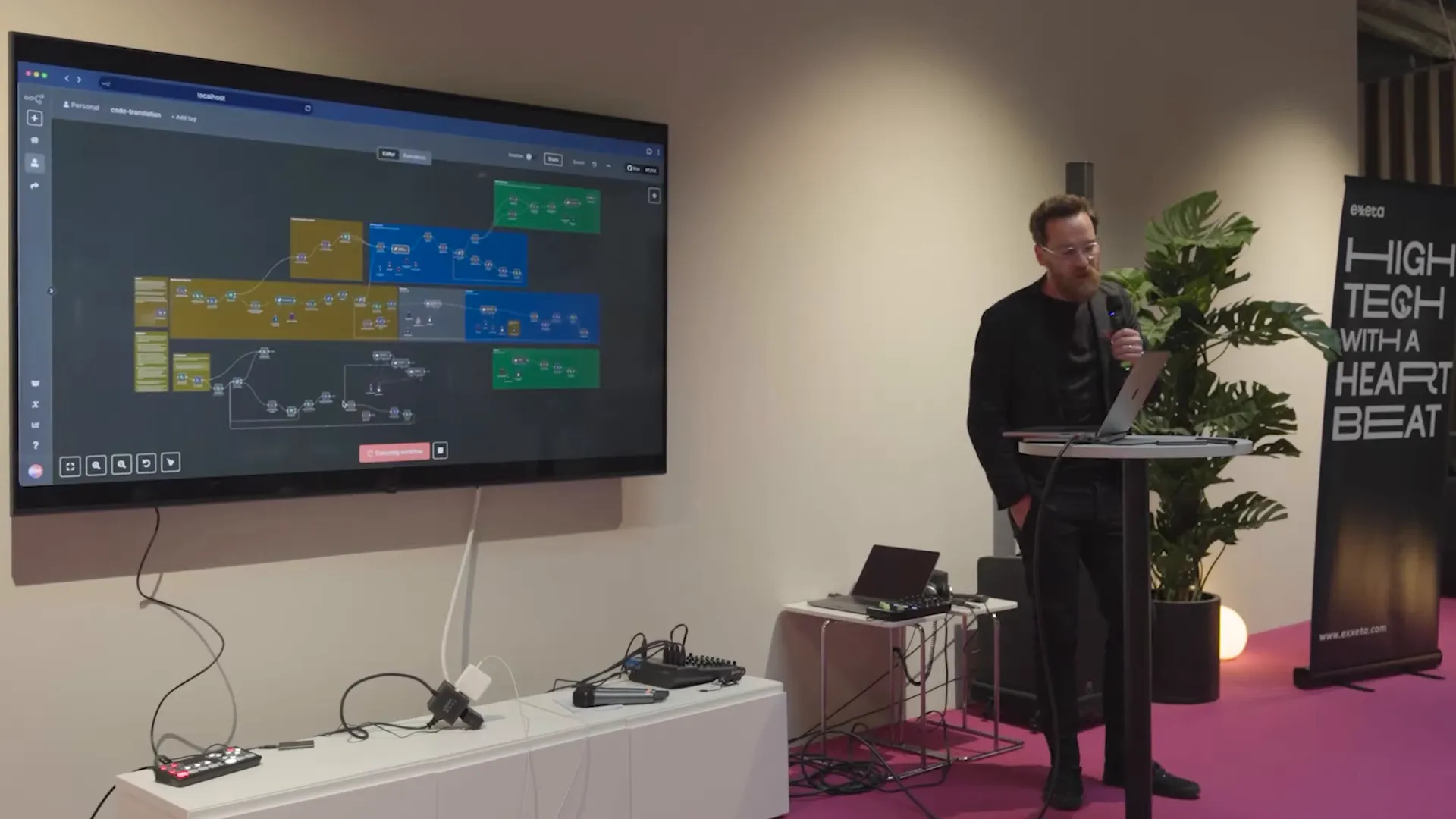
Synthesize recombines transformed components into a deployable unit and performs tests.
- Process: Reassemble controllers, services, and repositories; run unit and integration tests auto-generated by LLM; execute static analysis; and then stage for human review.
- Quality Assurance: Implement automatic checks and evaluation strategies to confirm the translated code mirrors production behavior. If tests fail or coverage is low, create an escalation path.
Use N8N Within GFunnel to orchestrate stakeholder notifications: when QA succeeds, create a contract or deployment plan in GFunnel and route it through AI-enabled contract management for approvals and sign-offs. If QA fails, GFunnel can surface the failing build to the responsible lead in the Lead Connector CRM.
Quality controls and human-in-the-loop
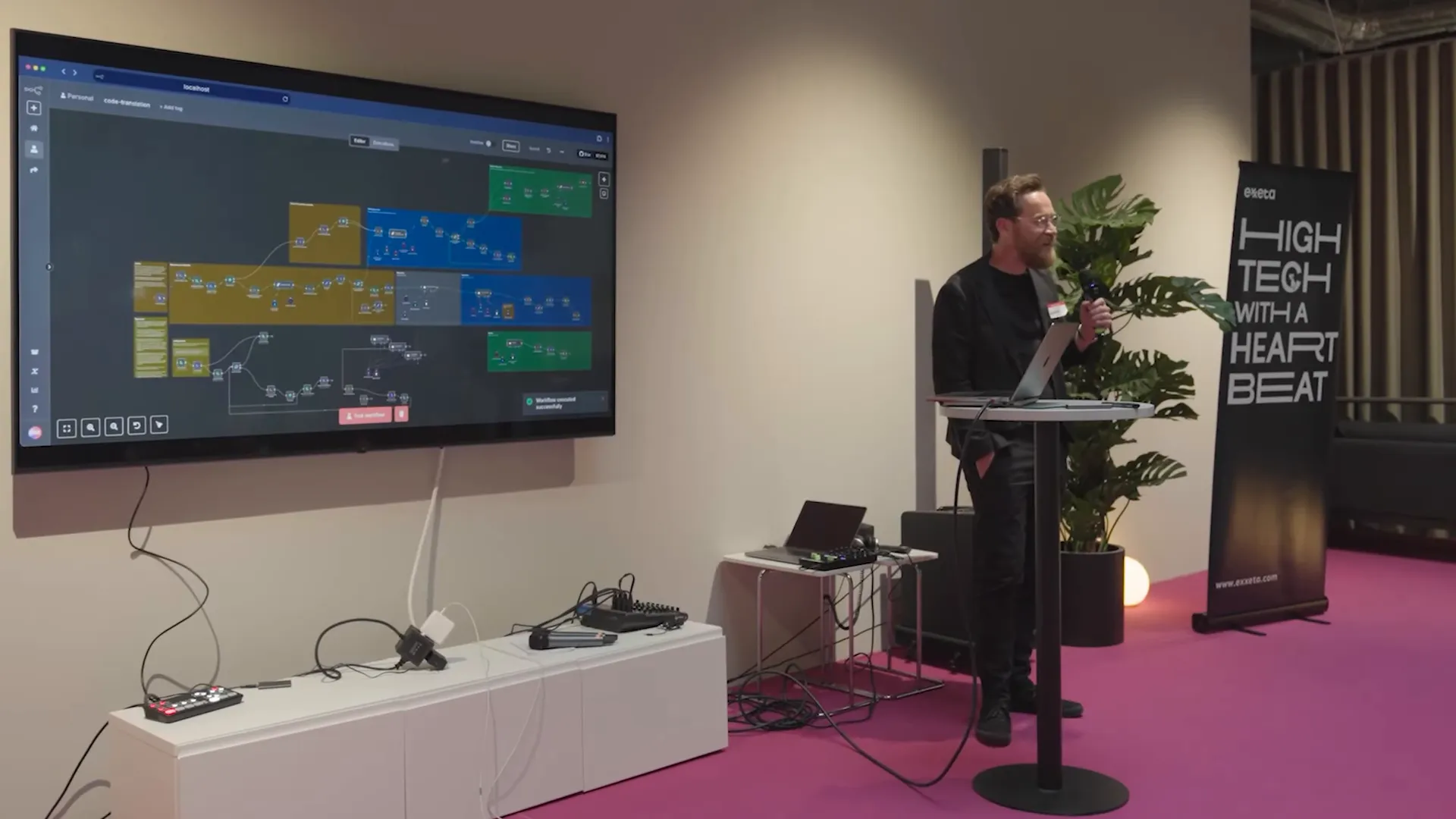
Automation without checks is risky. We aim to speed engineers by 30–60%, not replace them. Use continuous QA gates: unit tests, behavior-driven tests, static analysis, and human review tasks. Triggers and approvals live in n8n, but business-level confirmations and contract sign-offs happen in GFunnel so leadership can see audit trails, legal artifacts, and billing records.
Chapter 4 — How GFunnel’s tools fit into modernization workflows
GFunnel is an all-in-one platform built to help entrepreneurs and teams run their business—from lead capture to conversion to operations. Use N8N Within GFunnel to let each platform do what it does best: n8n for orchestration, GFunnel for business operations. Below I map GFunnel’s main tools to concrete points in the modernization lifecycle.
Lead Connector — the CRM that understands engineering workflows
Lead Connector is more than a typical CRM. It ties leads, projects, and stakeholder personas to the automation workflows that run under the hood.
- Capture: Use GFunnel landing pages and forms to collect artifacts (code dumps, vendor docs, requirements). These triggers call n8n flows for initial analysis.
- Track: Each modernization engagement becomes a record in Lead Connector with status fields (Decompose, Transform, Synthesize, QA, Deployed).
- Notify: Automate stakeholder notifications when artifacts change or approvals are needed for merge/deploy steps.
Use N8N Within GFunnel so that every n8n workflow outcome is visible to sales, program managers, and clients inside GFunnel’s CRM. That transparency is invaluable for selling modernization projects and reporting progress.
Flows AI — orchestrating business logic and human steps
Flows AI brings low-code business automation into the same platform as your CRM. Think of it as GFunnel’s internal n8n—designed for non-engineers to automate actions based on events captured by Lead Connector. Use Flows AI to:
- Open review tickets when code artifacts are ready.
- Automatically route contracts for signature during deployment milestones.
- Send nurture sequences to customers showing progress on modernization projects.
Use N8N Within GFunnel by connecting n8n flows to triggers in Flows AI. For example, when an n8n agent finishes a translation batch, it sends a webhook to GFunnel to kick off a business flow that updates a client-facing dashboard and schedules a demo call.
AI-powered contract management
Modernization projects often require scope changes and new legal agreements. GFunnel’s AI-powered contract tool automates contract generation, risk checks, and signature routing.
- Generate contracts with automated clauses tailored to the migrated scope.
- Use Flows AI to route contracts to stakeholders based on the automated QA results from n8n.
- Keep a searchable archive of signed agreements tied to Lead Connector project records.
Use N8N Within GFunnel by having n8n push milestone events that trigger contract drafts in GFunnel. The contract can include links back to artifacts (diffs, test reports) so signatories can make informed decisions.
Website builder and funnel pages
GFunnel’s drag-and-drop website and landing pages are perfect for capturing leads and communicating progress to clients.
- Create a client portal page that surfaces current project status, QA results, and signed agreements.
- Use forms to capture additional information, which triggers n8n flows for rapid processing.
- Track conversion metrics to show ROI of your modernization program.
Use N8N Within GFunnel by embedding dynamic content: live links to the n8n-run knowledge graph summaries, sample translations, and onboarding materials so each client sees specific outcomes and value.
Monetization, affiliates, and passive income
One underrated aspect of GFunnel is monetization. You can create productized modernization services, publish them as funnel offers, and leverage an affiliate network to drive leads. Tying n8n-driven automation to productized services means you can scale delivery without scaling costs proportionally.
Use N8N Within GFunnel by automating service fulfillment: a purchase on a GFunnel page triggers an n8n flow that provisions an analysis job, assigns engineers, and tracks delivery milestones automatically in Lead Connector.
Chapter 5 — Practical examples and templates
Below are practical templates and recipes I’ve used in real engagements. Each one is a pattern you can adapt to your stack and business model. Throughout these templates we emphasize reproducibility, audit trails, and human-in-the-loop safeguards.
Template 1 — Stored Procedure Translation Flow
- GFunnel form submission: Client uploads a zip of stored procedures (project metadata included).
- Webhook to n8n: n8n receives file, unzips, and splits procedures into items.
- RAG context enrichment: For each procedure, n8n queries the vector store for related docs and previous translations.
- LLM translation: n8n calls the LLM with a prompt that includes business context, generating a procedural Java draft.
- Automated tests: n8n instructs a test-generation model to produce unit tests and basic integration checks.
- QA gate: If automated checks pass, n8n pushes the draft to a review board; GFunnel opens a review ticket and notifies stakeholders via Lead Connector.
- Contract and billing: Upon acceptance, GFunnel generates the contract, routes it for sign-off, and triggers billing flows.
Use N8N Within GFunnel to keep business activity tied to Lead Connector records. Clients can see artifacts and sign off through GFunnel without having to log into developer tools.
Template 2 — Java Migration Assistant
- Goal: Assist teams migrating from Java 11 to Java 21.
- n8n orchestration: Scan codebase, detect deprecated APIs, generate migration tasks and code fixes using LLMs.
- GFunnel integration: Milestones and sprint tasks created in Lead Connector for developer assignment; Flows AI sends reminders.
- Outcome: Reduced manual refactor time and a single source of truth for migration status in GFunnel.
Use N8N Within GFunnel so that business owners can understand migration progress and impact on delivery timelines via GFunnel dashboards.
Template 3 — Onboarding and knowledge transfer
- Goal: Onboard a new developer to a codebase in days rather than weeks.
- Process: n8n produces a developer onboarding packet: system overview, knowledge graph visualizations, summaries, and code walkthroughs generated by LLMs.
- GFunnel role: Host onboarding resources in a client-accessible portal, schedule sessions, and track onboarding completion in Lead Connector.
Use N8N Within GFunnel by making onboarding a productized deliverable that can be purchased or included with modernization packages. That helps you scale knowledge transfer as a repeatable service.
Embedding resources and getting started
Ready to try it? Here’s a starter checklist to Use N8N Within GFunnel for a pilot modernization engagement.
- Create a GFunnel account: https://www.gfunnel.com and set up a Lead Connector project record for your modernization client.
- Set up n8n: Deploy an n8n instance (self-hosted or cloud) and register a webhook to accept uploads from GFunnel forms.
- Provision storage: Choose a vector DB or Supabase instance for long-term memory and RAG context.
- Design prompts: Create a prompt library for procedure translation, code generation, and test generation. Keep prompts versioned and auditable.
- Configure flows: Use n8n to orchestrate decompose-transform-synthesize and wire business events into GFunnel using webhooks and Flows AI triggers.
- Run pilot: Start with a small set of procedures, evaluate QA outcomes, and use GFunnel to collect client feedback and sign-offs.
Use N8N Within GFunnel for the pilot, and you’ll see how a small investment in orchestration and productization dramatically reduces the operational overhead of modernization projects.
Why memory matters: sessions vs persistence
Two types of memory are crucial to effective automation:
- Short-term/session memory: Keep track of in-progress work during a flow run (e.g., which file is being translated right now).
- Long-term memory/persistence: Store what you produced yesterday so that subsequent runs can reuse context—this is essential for consistency and incremental work.
Use N8N Within GFunnel by storing session artifacts in n8n during flow execution, and writing persistent summaries and approvals to GFunnel’s project record. For long-term memory we recommend a vector store like Supabase so agents can search previously translated artifacts for consistency.
Operational considerations and best practices
When you Use N8N Within GFunnel, follow these operational best practices:
- Keep orchestration stateless where possible; store heavy artifacts in a central store and reference them in flow metadata.
- Version prompts and models. Treat prompts as code with CI pipelines to ensure reproducibility.
- Apply incremental rollouts and QA gates so engineers retain final authority over production changes.
- Set up logs and audit trails (both n8n and GFunnel) so you can trace a result back to the originating request and the LLM prompt used.
- Monitor costs and performance: LLM inference and vector lookups come at runtime cost—cache smartly where appropriate.
Use N8N Within GFunnel responsibly: automation is powerful, but governance and human oversight prevent regression and build trust among stakeholders.
Real-world benefits: measurable outcomes
From our projects, here are measurable benefits you can expect when you combine n8n orchestration and GFunnel business tooling:
- Reduction in manual developer time for translation and migration tasks—typically 30–60% faster when QA gates are met.
- Fewer deployable artifacts and simpler operations: move from many small services to fewer orchestrated flows.
- Clearer client communications: use GFunnel dashboards and Lead Connector records to keep clients informed and reduce status meetings.
- Faster onboarding of new developers—onboarding packets generated by LLMs reduce ramp time from weeks to days.
- Monetization and productization: package automation services as GFunnel offers and use affiliate channels to scale lead generation.
FAQs
What does it mean to Use N8N Within GFunnel?
Use N8N Within GFunnel means running n8n as the core automation and agent orchestration layer and using GFunnel for the customer-facing product and business workflow layer. n8n does the heavy technical lifting—LLMs, file processing, tests—while GFunnel manages leads, contracts, pages, and approval flows so stakeholders can follow and act without developer involvement.
Do I need to be an engineer to Use N8N Within GFunnel?
No. GFunnel is designed for entrepreneurs and non-technical users to manage business processes. While n8n has technical depth, many flows can be pre-built and managed by engineers, and then exposed to GFunnel’s Flows AI for non-engineers to trigger and monitor.
How does long-term memory work in this setup?
Long-term memory is implemented via a persistent vector store or database (e.g., Supabase). n8n stores artifacts and summaries there, and agents query the store to retrieve context for consistent translations or decisions. GFunnel stores business artifacts and approvals so stakeholders always see the canonical project status.
Does GFunnel integrate with repositories and CI/CD?
Yes. Use N8N Within GFunnel by configuring n8n to push artifacts to a repository and triggering CI/CD. GFunnel can be used to record deployments and sign-offs. This creates an end-to-end chain from client request to production deployment with auditable approvals.
Can this help with license and cost management?
Absolutely. Use N8N Within GFunnel to automate license audits: n8n flows scan usage logs and GFunnel tracks license owners in Lead Connector. Flows AI can automatically notify managers about unused licenses or create tasks to reclaim seats.
How do I get started?
Start a GFunnel account at https://www.gfunnel.com and create a Lead Connector project. Deploy an n8n instance and setup a webhook for GFunnel form submissions. If you want a quick route, use GFunnel’s apihub integration: https://apihub.gfunnel.com to connect your flows faster.
Conclusion and next steps
Use N8N Within GFunnel to transform how you deliver modernization and automation services. This combination lets engineering teams focus on technical quality while GFunnel handles clients, contracts, and monetization. You get reproducible automation, transparent business-level tracking, and a productized service that scales.
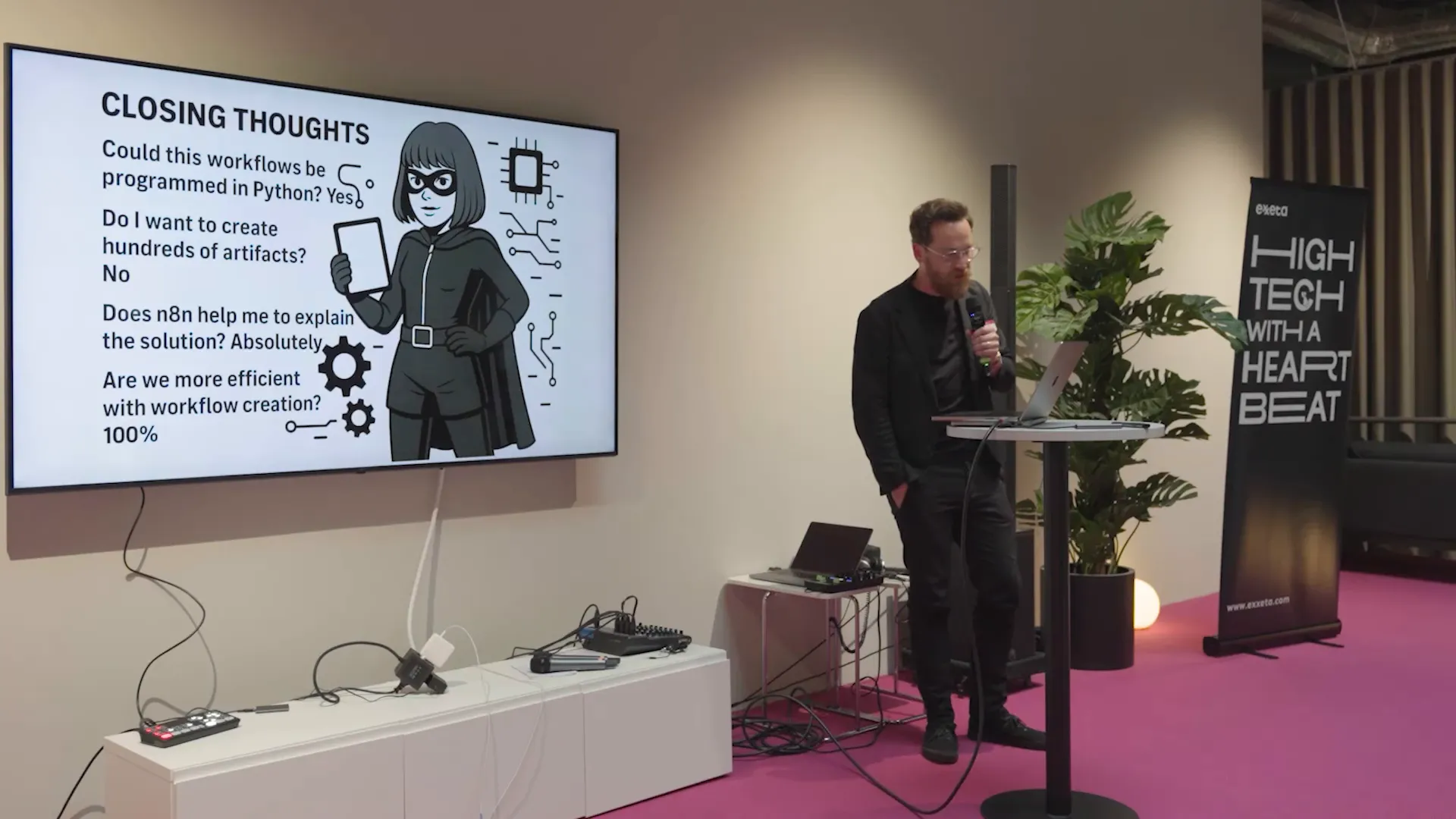
If I had to sum up the approach in one sentence: decompose the problem into data and artifacts, use LLMs and n8n for repeatable transformation, and synthesize results into deployable artifacts while GFunnel captures the business-level interactions, approvals, and monetization.
“Automation should make engineers 30–60% faster, not obsolete. It’s about amplifying human expertise with reliable orchestration and clear business interfaces.” — André Lindenberg
Ready to pilot? Create an account and experiment with one small automation: a file upload form in GFunnel that triggers an n8n flow to analyze a stored procedure and returns a summary to a Lead Connector record. Watch how the feedback loop between engineering automation and business tooling accelerates your product delivery and client satisfaction.
To start, visit GFunnel: https://www.gfunnel.com and sign up. Explore Lead Connector and Flows AI to see how you can Use N8N Within GFunnel to build efficient, auditable, and monetizable automation services.