

New Feature Alert: Disable Call Recording Messages with Ease
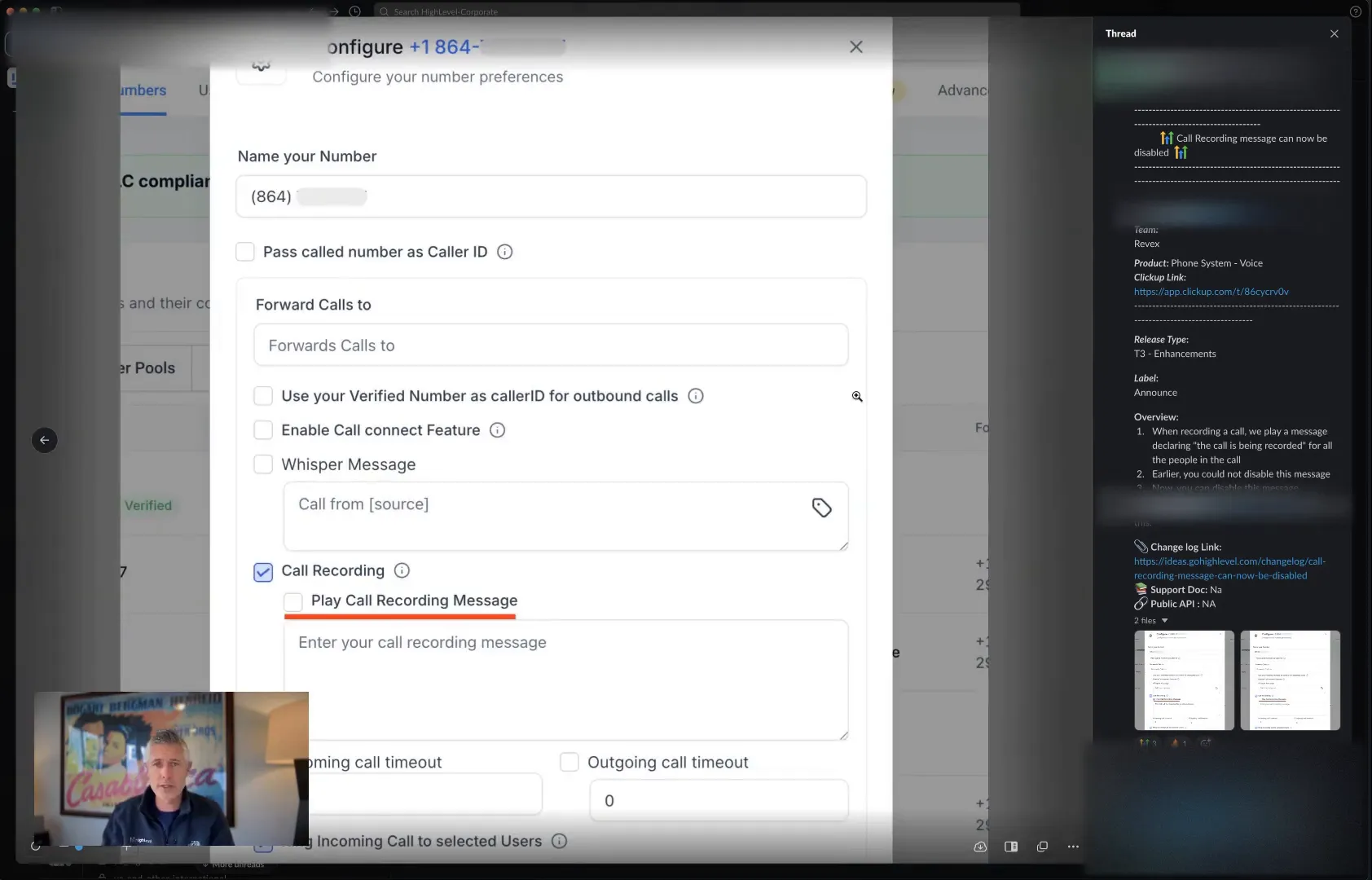
The Update: Disable Call Recording Messages
Understanding the Legal Landscape
How to Use This New Feature
Here’s how you can take advantage of this new functionality:
- Log into your HighLevel (Lead Connector) account.
- Navigate to your phone number settings.
- You will now see an option to enable call recording. Previously, there was a field for the recording message. You can simply uncheck this box to disable the recording message.
- Save your settings, and you’re done!
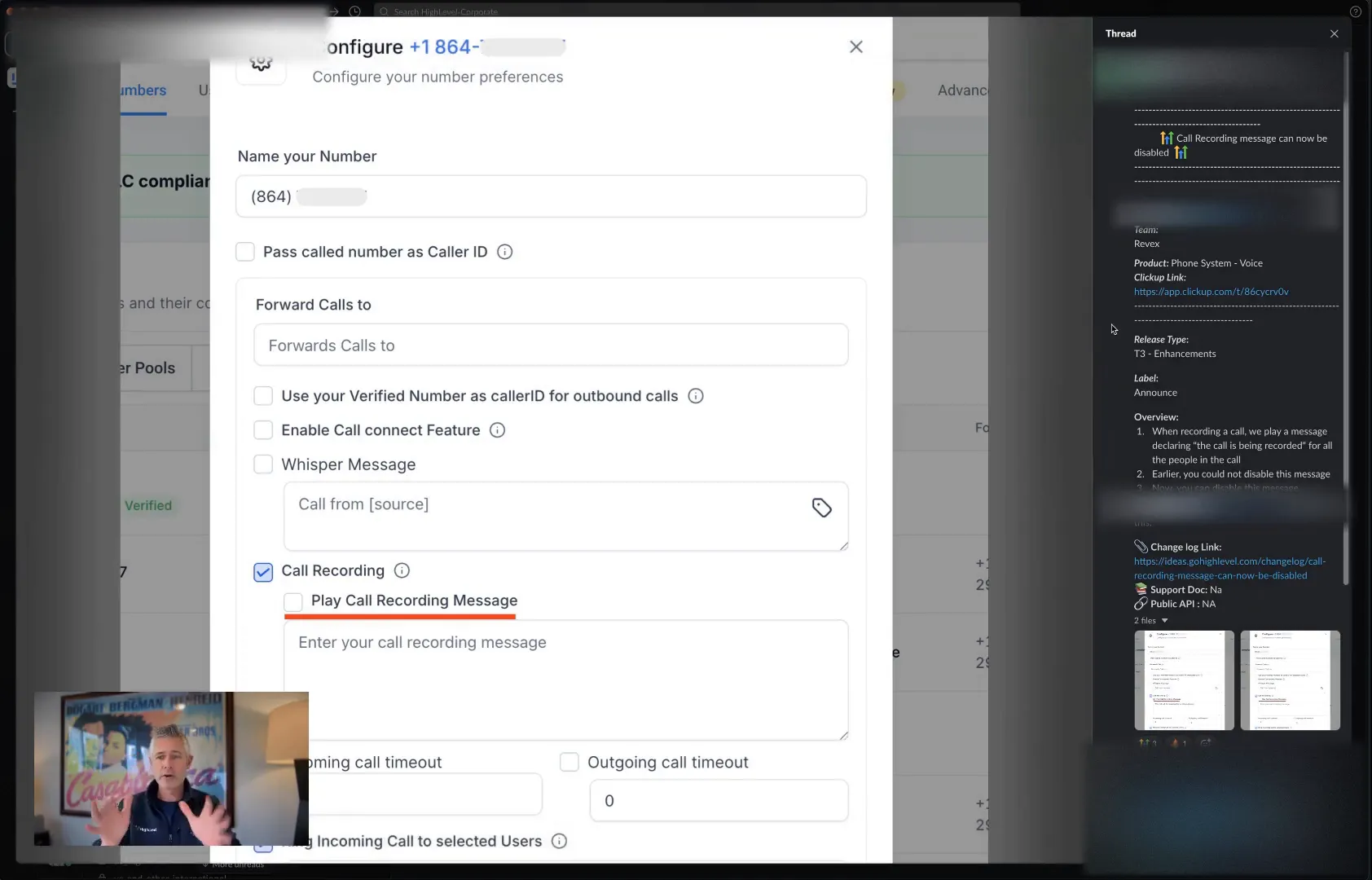
With just a click of a button, you can now control whether or not a call recording message is played. It’s that easy!
Why This Matters
This feature is particularly important for businesses that prioritize customer experience. Many clients appreciate a seamless interaction without interruptions. By allowing users to disable recording messages, you can enhance the professionalism of your phone interactions.
Additional Resources
For those looking to dive deeper into how to optimize your business processes, check out our other resources at GFunnel. Whether it’s automation tools or marketing strategies, we’ve got everything you need to elevate your business.
Frequently Asked Questions
Can I still record calls without a message?
Yes! You can choose to record calls without playing a message by simply disabling the recording message in the settings.
Are there any legal implications for recording calls?
Yes, laws vary by location. Always ensure you understand the regulations in your area before recording calls.
What if I want to revert to playing a message later?
You can easily re-enable the call recording message by checking the box in your phone number settings at any time.
That’s it for this week! I hope you find this update helpful. Have an amazing Wednesday, and I’ll catch you in the next update!