

Mastering the GoHighLevel Funnel Builder: A Comprehensive Guide
Getting Started with GoHighLevel
Understanding the Lead Magnet Funnel
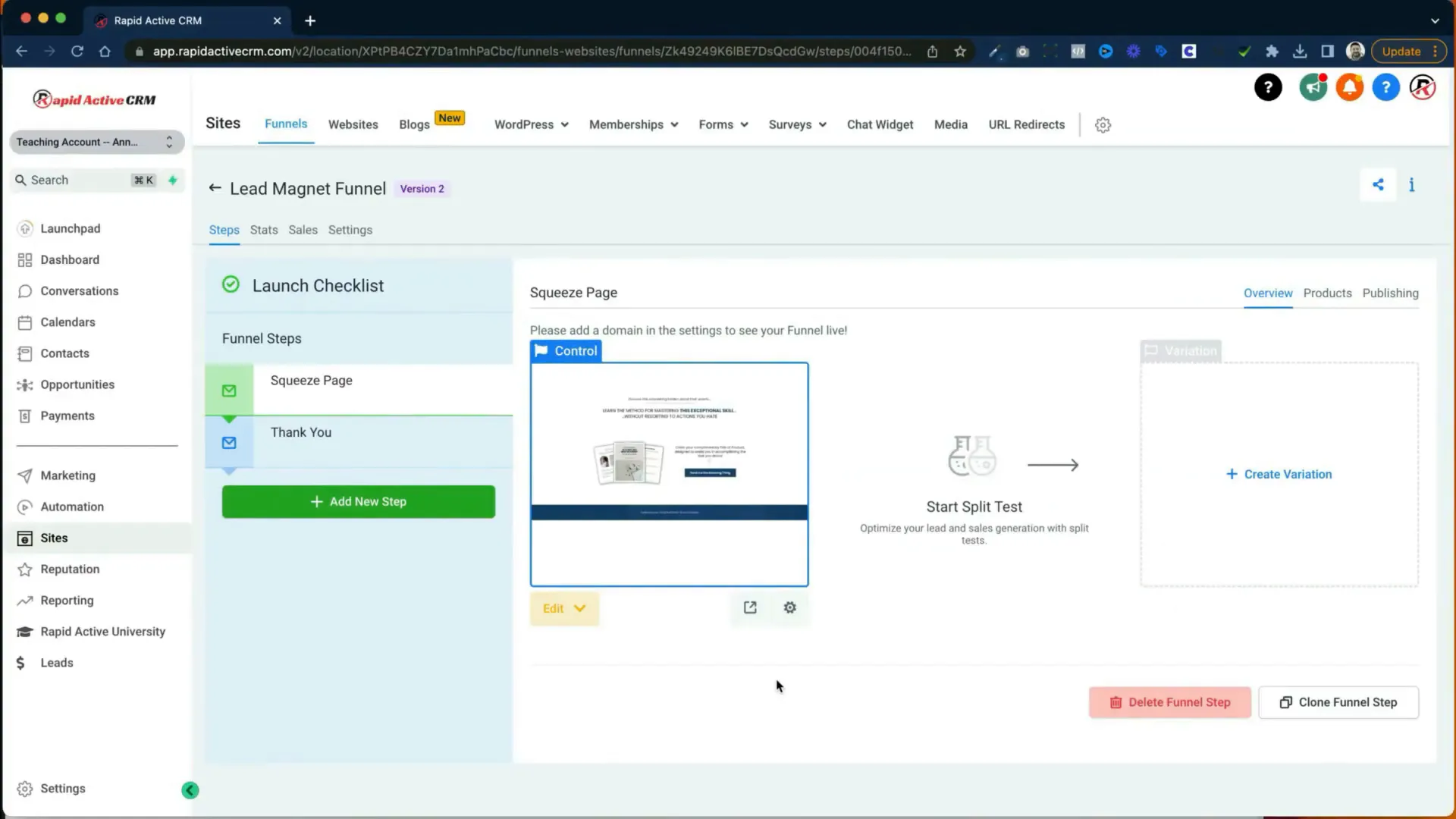
The lead magnet funnel is designed to offer something valuable for free in exchange for contact information. This funnel typically includes:
- Squeeze Page: This page promotes the free item and collects lead information.
- Thank You Page: This page thanks the user and guides them on the next steps.
Squeeze Page Details
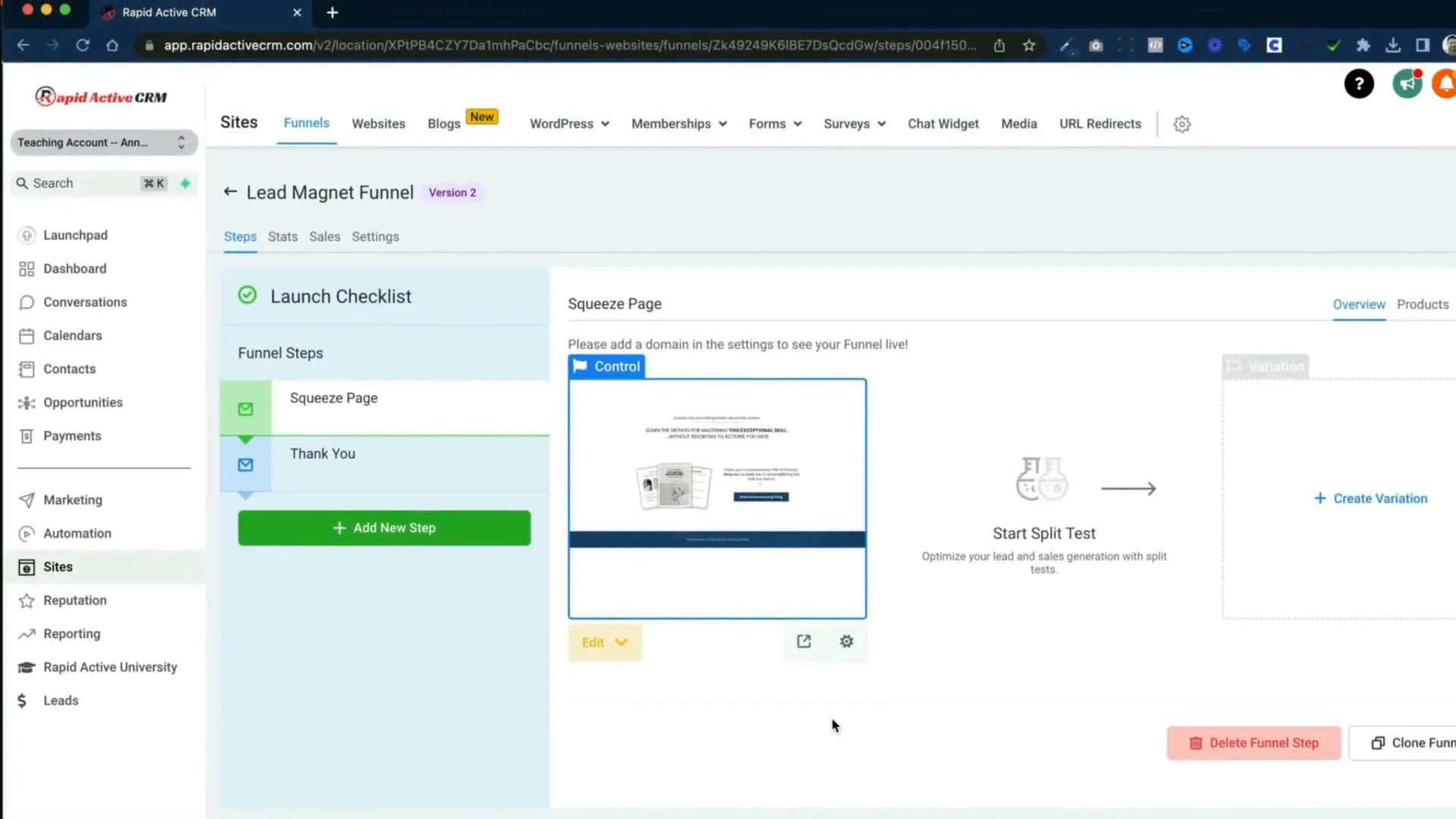
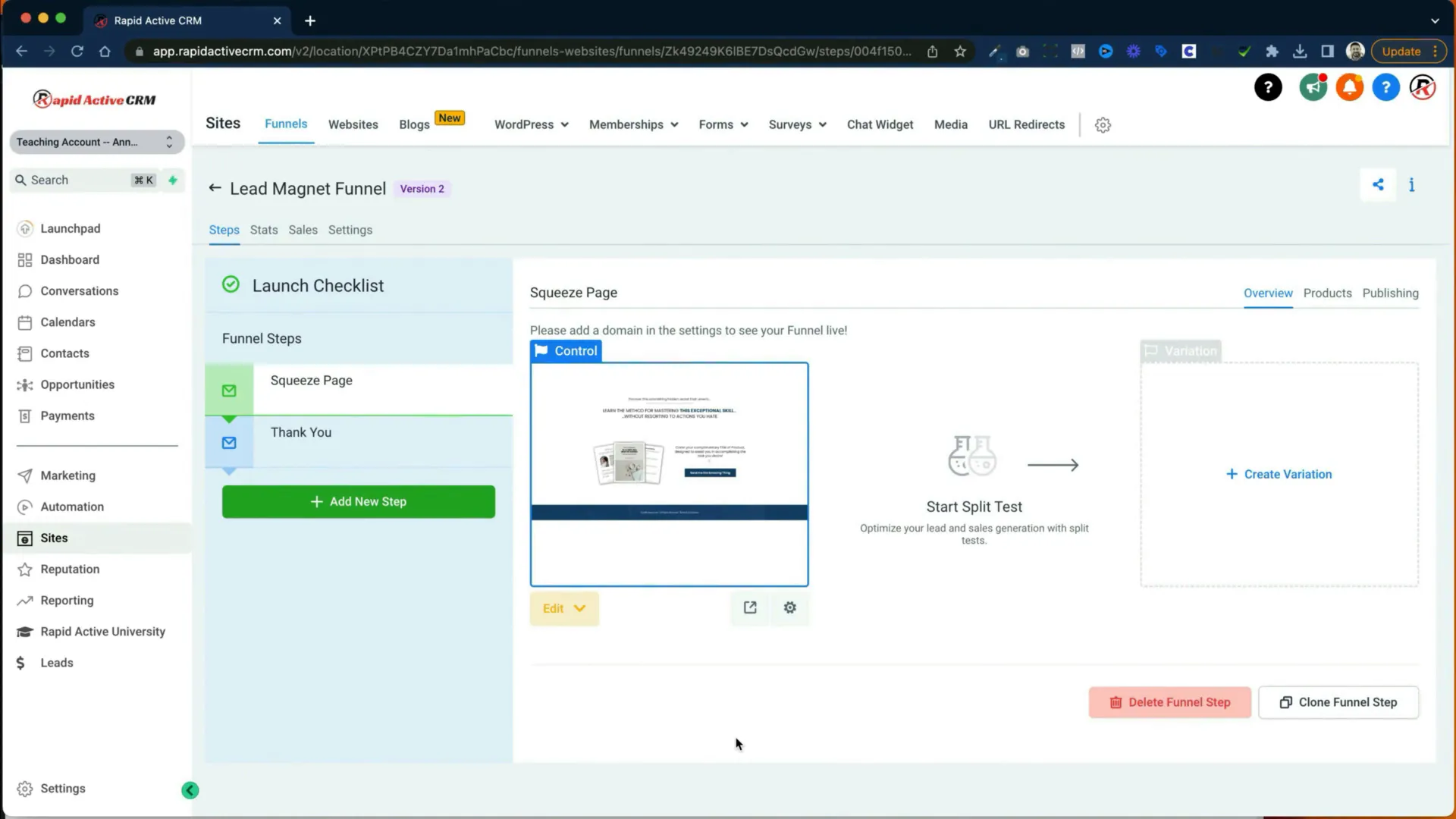
To edit the squeeze page, you can either click 'Edit' or open it in a new tab. Once in the editor, you'll see various options at the top, including a handy arrow to exit the funnel editor and buttons to switch between desktop and mobile views.
In the settings, you can adjust SEO metadata, tracking codes, custom CSS, background, and typography. The pop-up feature allows you to set up forms for collecting email data.
Adding Elements to Your Squeeze Page
GoHighLevel provides a variety of elements you can add to your funnel:
- Headlines and subheadlines
- Paragraphs and bullet lists
- Buttons and forms
- Images, videos, and custom HTML
- Surveys and calendars
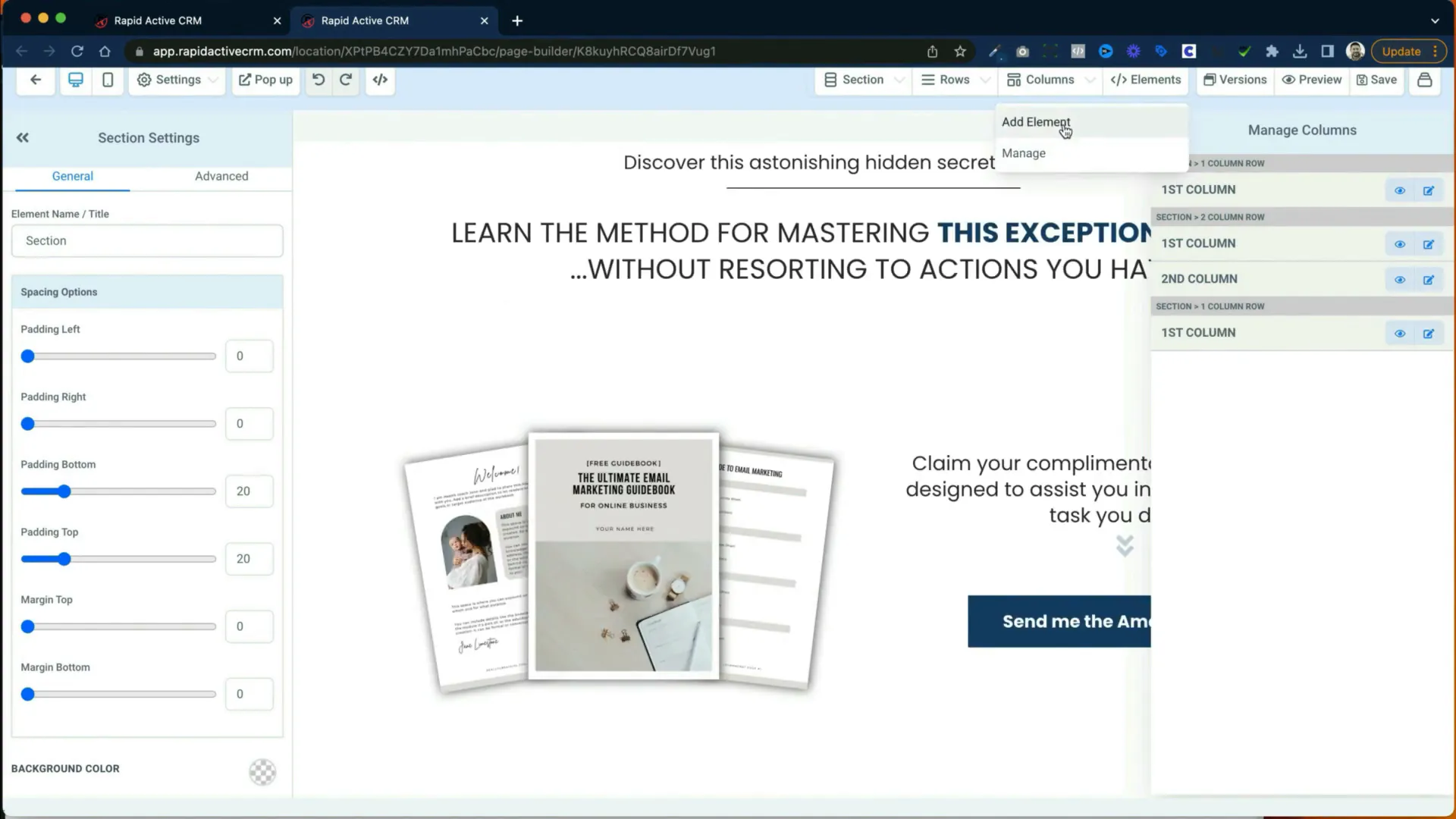
Each element can be customized extensively. For instance, text elements can be bolded, italicized, or linked, and you can also adjust the typography using Google Fonts.
Creating the Lead Magnet Form
To create your lead magnet form, add a row to your pop-up and include a headline like "Fill out the form to receive your free gift." After that, add the form element from your previously created forms. Ensure to include fields for first name, last name, and email address.
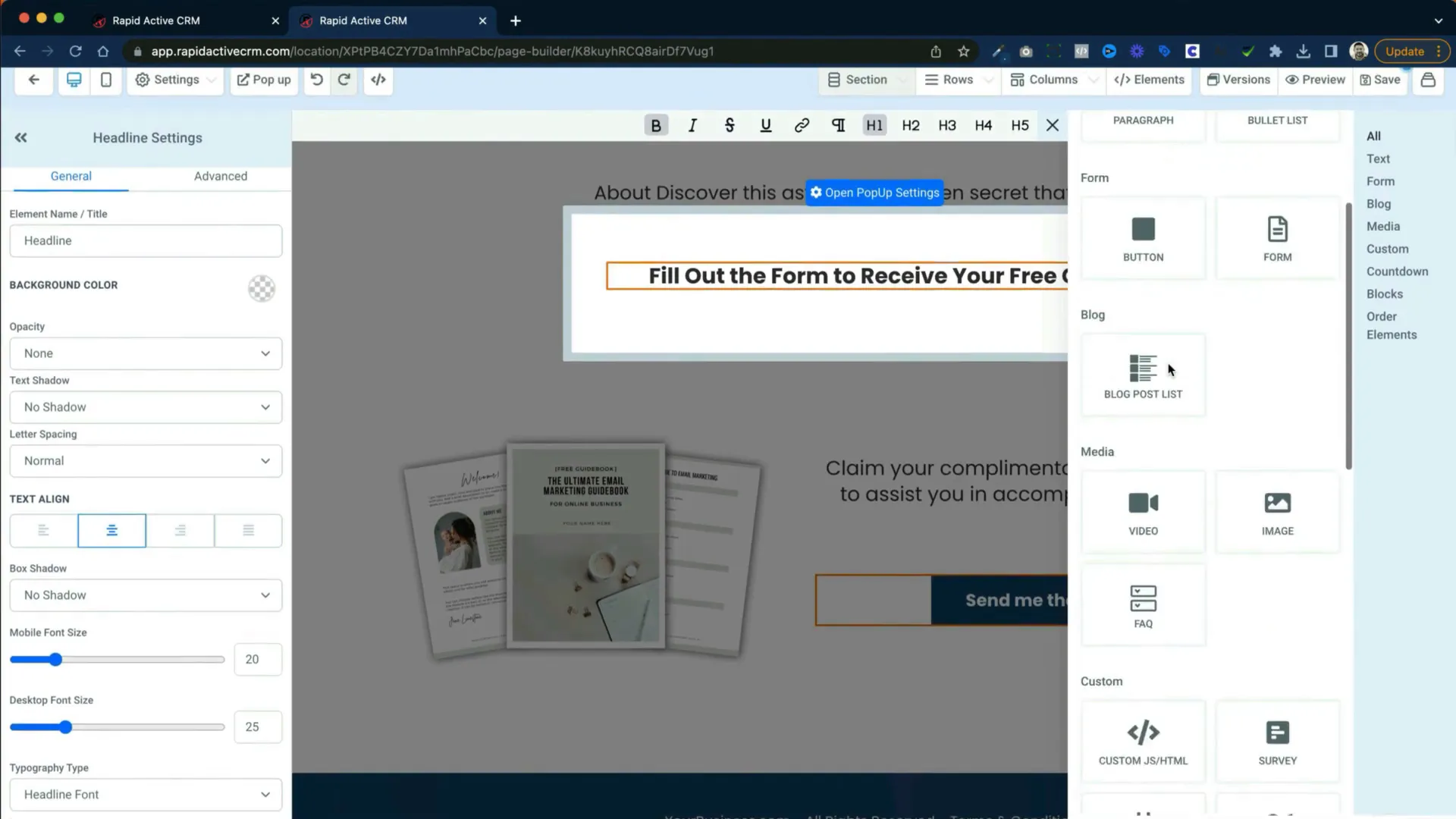
After setting up the form, define what happens once a user submits their information. You can redirect them to the thank you page or a different URL. This is crucial for guiding your leads through the process.
Thank You Page Overview
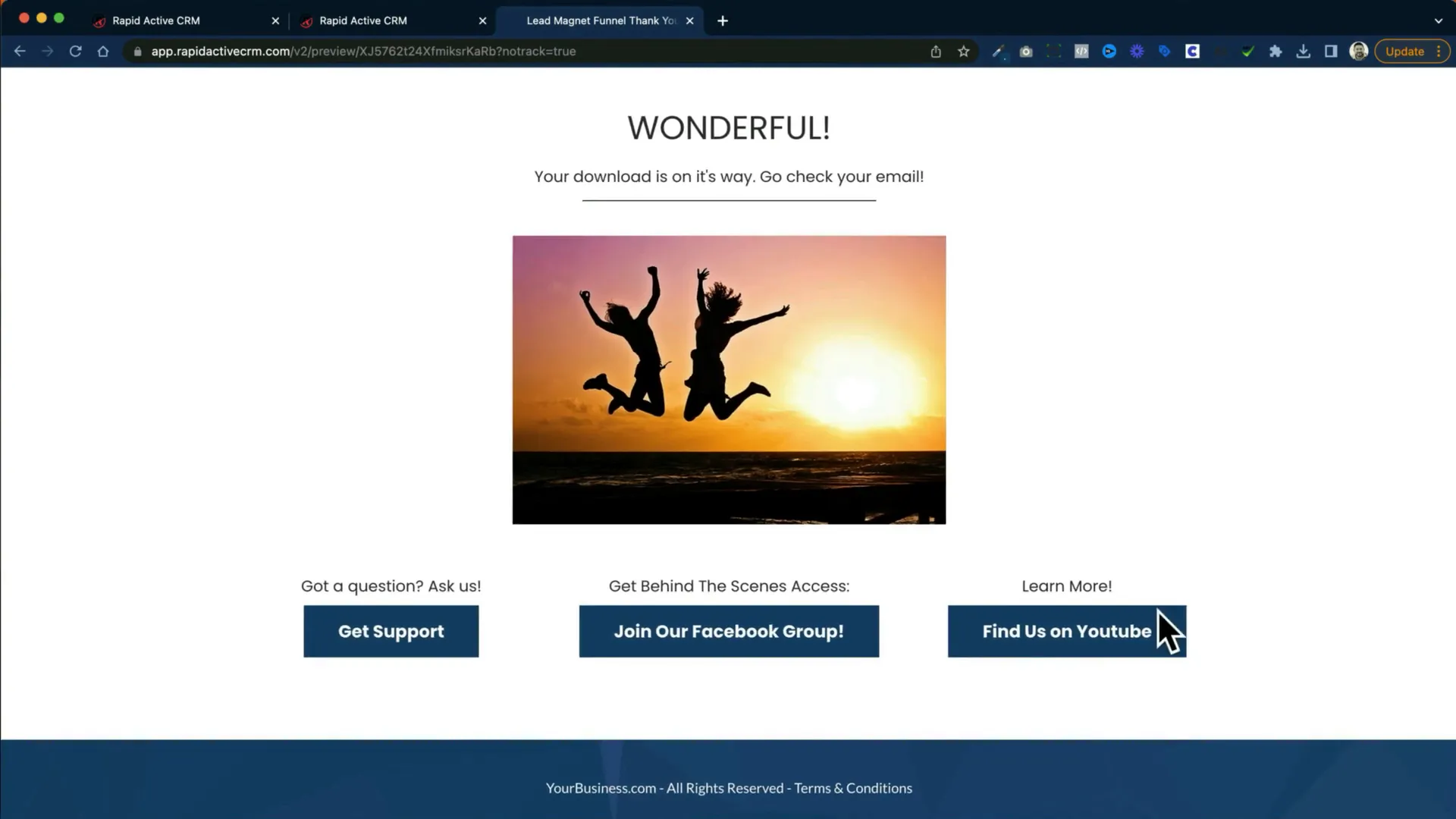
The thank you page acknowledges the user's action and can provide further instructions or links to additional resources. This page can also include buttons leading to other parts of your business, such as your social media or blog.
Types of Essential Funnels
Now that we've covered the lead magnet funnel, let's explore three essential funnel types every business should consider implementing.
1. Lead Magnet Funnel
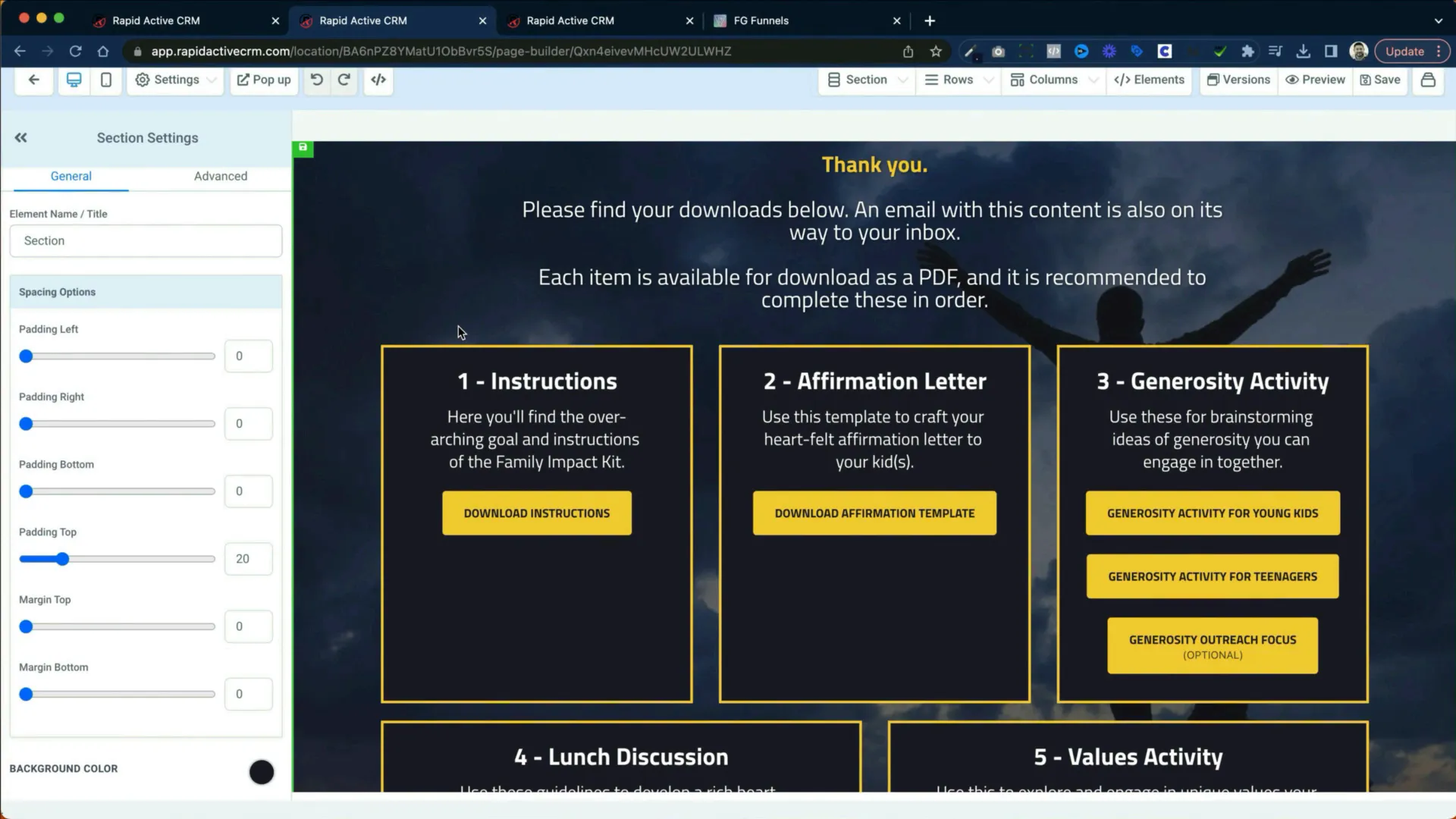
As discussed, this funnel is critical for collecting leads by offering something valuable in return for their contact information. It typically consists of a squeeze page and a thank you page.
2. Booking Funnel
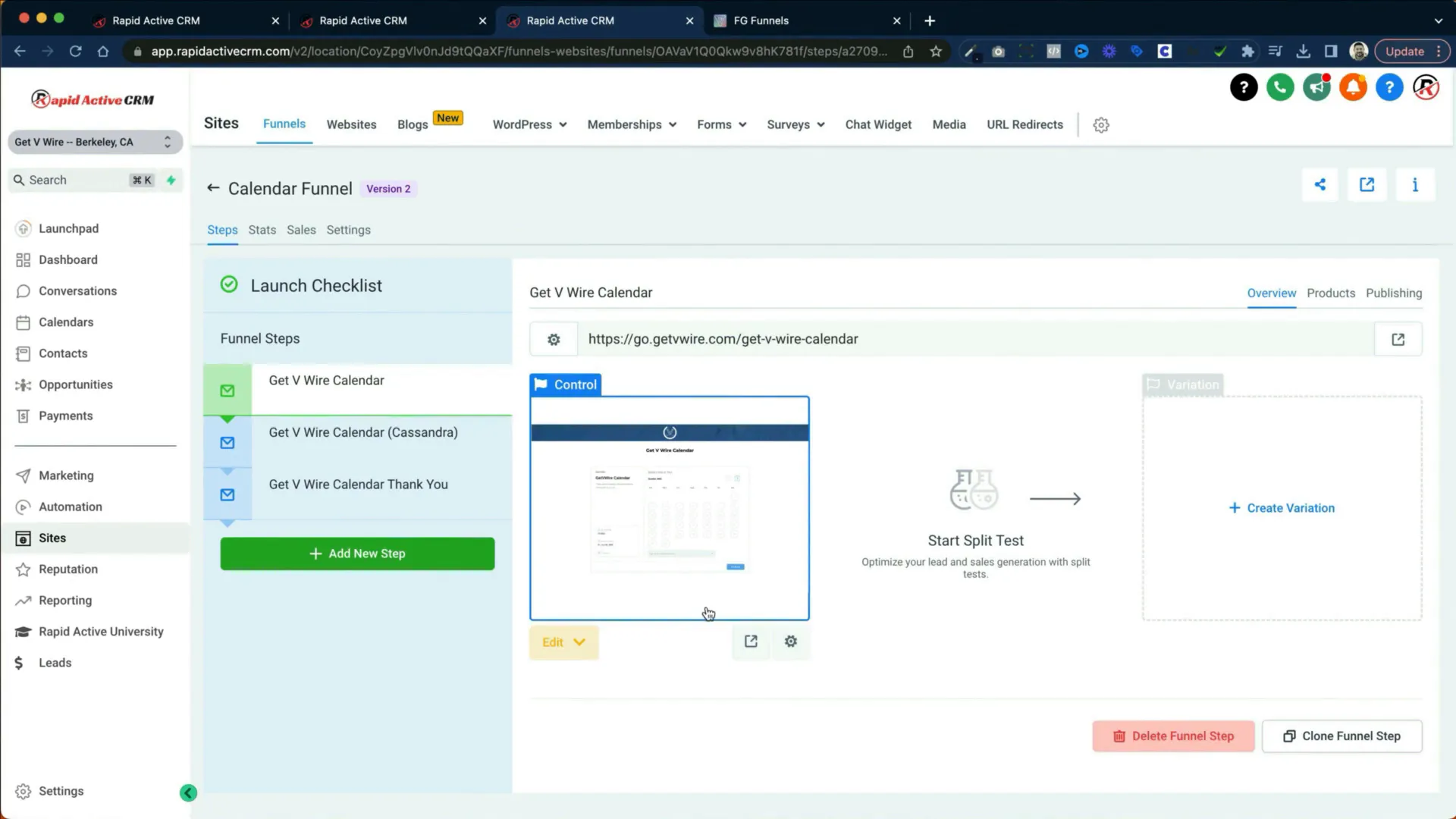
The booking funnel simplifies the appointment scheduling process. It includes a calendar where users can select a time, followed by a thank you page that confirms their appointment. This funnel can be compared to tools like Calendly.
3. Services-Based Funnel
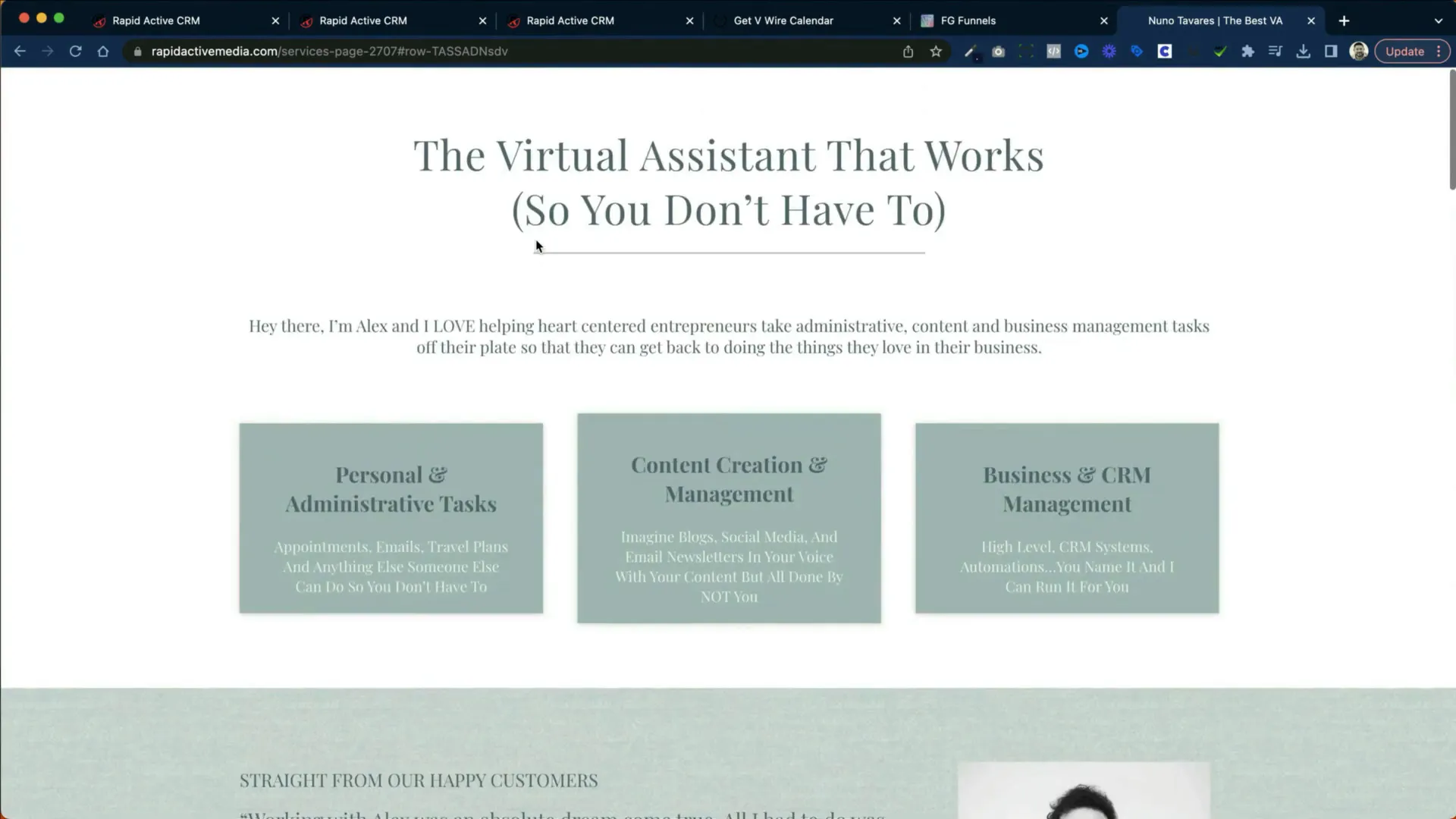
This funnel showcases different services offered by a business, allowing users to select a service they are interested in. After clicking a service, they are directed to a booking calendar to schedule their appointment.
Final Thoughts
In this guide, we explored the functionalities of the GoHighLevel funnel builder, focusing on the lead magnet funnel and its components. We also reviewed two other essential funnel types: the booking funnel and the services-based funnel. By utilizing these funnels effectively, businesses can enhance their lead generation and conversion efforts.
Don’t forget to experiment with the different elements and settings available in GoHighLevel to customize your funnels to fit your unique business needs.
We hope this guide has been helpful in demystifying the GoHighLevel funnel builder. Happy funnel building!